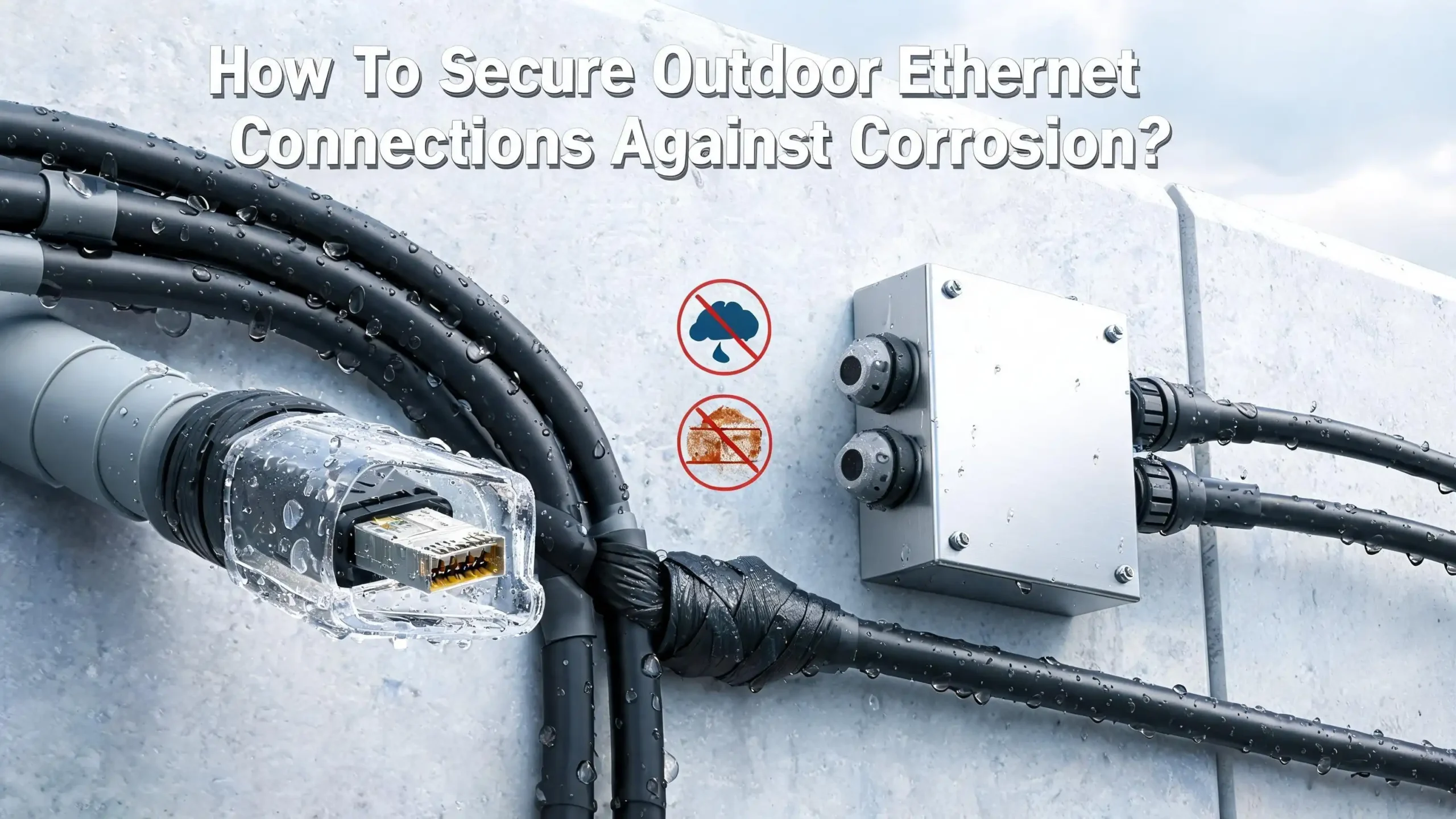
How To Secure Outdoor Ethernet Connections Against Corrosion?
Running Ethernet cables outdoors opens the door to a common and frustrating enemy: corrosion. Rain, humidity, condensation, and temperature swings can turn those shiny copper contacts green and unreliable in just a few months. One day your outdoor security camera works perfectly.
The next day, you notice dropouts, slow speeds, or a complete loss of connection. The culprit is almost always moisture creeping into your RJ45 connectors and eating away at the metal pins.
The good news? You can prevent this problem entirely with the right materials and techniques.
This guide walks you through every practical method available, from choosing the right cable to sealing your connectors and building proper drip loops. Each technique is simple enough for a DIY homeowner and trusted enough for professional low voltage installers.
In a Nutshell
- Always use outdoor rated Ethernet cable with an LLDPE or HDPE jacket. Indoor PVC cables will crack, degrade under UV light, and allow moisture inside within weeks of outdoor exposure.
- Apply dielectric grease to all RJ45 connector pins before plugging them together. This thin layer of grease blocks moisture from reaching the copper contacts and prevents corrosion without interfering with signal transmission.
- Use IP68 rated waterproof couplers at every outdoor connection point. These couplers feature silicon rubber gaskets and compression fittings that seal out water, dust, and humidity permanently.
- Create a drip loop at every cable entry point. A drip loop is a simple U shaped dip in the cable that forces water to drip off at the lowest point instead of following the cable into your device or wall.
- Wrap exposed connections with self amalgamating silicone tape for an extra layer of protection. This tape fuses to itself and forms a permanent, waterproof seal around any joint or connector.
- Run cables through UV resistant conduit whenever possible. Conduit shields the cable from direct sunlight, physical damage, and animal interference while keeping moisture away from the cable jacket and connectors.
Why Outdoor Ethernet Connections Corrode
Corrosion happens when moisture meets metal. The copper pins inside an RJ45 connector are small and exposed. Even a tiny amount of water vapor can start a chemical reaction that produces green copper oxide on the contact surfaces.
Temperature changes are a major trigger. During the day, outdoor air heats up. At night, it cools rapidly. This cycle creates condensation inside connector housings, even if no rain has fallen. Over time, this repeated wetting and drying leaves mineral deposits and oxide layers on the pins.
Salt air near coastal areas speeds up the process dramatically. Humidity above 60% also increases the corrosion rate. In regions with heavy rainfall or frequent fog, unprotected outdoor Ethernet connectors can fail within three to six months.
The result is intermittent connectivity, packet loss, reduced PoE power delivery, and eventual total failure of the connection. Understanding this process is the first step in stopping it.
Choose The Right Outdoor Rated Ethernet Cable
The cable jacket is your first line of defense. Indoor Ethernet cables use PVC jackets that are not built for outdoor conditions. PVC breaks down under UV exposure from sunlight and becomes brittle. Once the jacket cracks, moisture enters and reaches the internal copper conductors.
Outdoor Ethernet cables use LLDPE (Linear Low Density Polyethylene) or HDPE (High Density Polyethylene) jackets. These materials resist UV degradation, temperature extremes, and moisture penetration. Look for cables marked as CMX rated for residential outdoor use.
For underground installations, choose gel filled direct burial cable. The petroleum gel inside these cables is completely waterproof and prevents any moisture from reaching the internal conductors. Dry water block tape is a secondary option, but gel filling provides superior protection.
If your cable run will be exposed to direct sunlight, LLDPE is the better choice because it stays flexible over time. HDPE is slightly more rigid but equally effective against moisture. Either material will last years longer than any indoor PVC cable used outdoors.
Apply Dielectric Grease To RJ45 Connectors
Dielectric grease is one of the most effective and affordable corrosion prevention methods available. This silicone based grease is non conductive, which means it will not short circuit your Ethernet pins. Instead, it fills the tiny gaps between male and female contacts and blocks water molecules from reaching the copper.
Here is how to apply it correctly. Place a small amount of dielectric grease on the tip of the male RJ45 connector, covering all eight contact pins. Add another small dab inside the female jack. Push the male connector into the jack. The grease will spread across all contact surfaces and squeeze into every gap.
You do not need to use excessive amounts. A thin coating is enough. Wireless ISP technicians who install equipment on towers and rooftops in all weather conditions use this method as standard practice. Many professionals report that connectors treated with dielectric grease remain corrosion free for years, even in coastal and tropical environments.
Dielectric grease is available at any auto parts store or hardware store. It is the same product used on automotive spark plug connections and battery terminals. A single tube will last through dozens of Ethernet connections.
Use IP68 Rated Waterproof Couplers
An IP68 rated waterproof coupler is a sealed housing that joins two Ethernet cables together while keeping moisture completely out. The IP68 rating means the coupler can withstand permanent submersion in up to three feet of water. This level of protection is more than enough for rain, snow, sprinklers, and humidity.
These couplers typically feature a nylon housing with silicon rubber O rings and compression gaskets. You plug one RJ45 connector into each side of the coupler, then screw the housing closed. The silicon gaskets compress around the cable jacket and form a tight, waterproof seal.
Installation is simple and requires no special tools. Disassemble the coupler by unscrewing the end caps. Slide the end cap and compression nut onto the cable. Push the silicon grommet onto the cable. Insert the RJ45 connector into the coupler body. Screw everything back together finger tight.
Do not over tighten the components. The silicon gaskets only need light compression to seal properly. Using pliers or wrenches can crack the nylon housing or damage the delicate compression teeth. A quality waterproof coupler rated for Cat6A will also work with Cat6 and Cat5e cables.
Create A Drip Loop At Every Entry Point
A drip loop is a simple but powerful technique that prevents water from following a cable into a device or building wall. Water naturally travels along the surface of a cable due to surface tension. Without a drip loop, rain or condensation will follow the cable straight into your camera, switch, or wall penetration.
To create a drip loop, leave six to twelve inches of extra cable at each connection point. Form the cable into a downward U shape before it enters the device. The lowest point of the U becomes the drip point where water falls off the cable instead of continuing along it.
Every professional outdoor cable installation uses drip loops. They are standard practice for satellite dish installers, security camera technicians, and wireless ISP providers. Even if you have waterproof connectors and sealed housings, a drip loop adds an important secondary layer of protection.
Secure the drip loop with UV resistant hook and loop straps. Do not use zip ties, because they apply too much pressure in a small area and can damage the cable jacket over time. The loop should hang freely so gravity can do its work pulling water downward and away from the connection point.
Wrap Connections With Self Amalgamating Silicone Tape
Self amalgamating tape, also known as self fusing silicone tape, is a special type of tape that bonds to itself when stretched and wrapped. Unlike electrical tape, it does not use adhesive. Instead, the silicone material fuses together chemically, creating a solid, waterproof, and UV resistant barrier.
To apply it, stretch the tape to about twice its resting length as you wrap it around the connection. Overlap each layer by about half the tape width. Apply three to four layers for a solid seal. Within a few hours, the tape will fully fuse into a single, seamless piece of silicone rubber.
This tape is widely used in satellite dish installations and outdoor coaxial cable connections. Low voltage installers have adopted it for Ethernet connections because it provides excellent moisture protection and is easy to remove later if you need to service the connection.
Self amalgamating tape works well in combination with dielectric grease and waterproof couplers. Wrapping the outside of a waterproof coupler with this tape adds a secondary seal that protects against extreme weather conditions. It remains flexible across a wide temperature range and does not degrade under direct sunlight.
Run Cables Through Outdoor Conduit
Conduit provides the highest level of physical protection for outdoor Ethernet cables. PVC conduit is affordable, easy to cut and assemble, and provides excellent shielding from UV light, moisture, animals, and physical impact.
For above ground runs, schedule 40 PVC conduit works well. For buried runs, you can use either PVC conduit buried at least 10 inches deep or direct burial cable without conduit buried at least 18 inches deep. Conduit at shallower depths still protects the cable from accidental damage during gardening or landscaping.
Use plastic protective sleeves on the ends of each conduit section to prevent the sharp edges from cutting into the cable jacket as you pull it through. Apply synthetic cable lubricant during the pull to reduce friction and prevent jacket damage.
Seal the ends of conduit runs with weatherproof fittings or silicone caulk. Open conduit ends can act like chimneys, drawing in moist air through convection. This trapped moisture will condense on the cable and connectors inside. A sealed conduit system stays dry and keeps your connections corrosion free for many years.
Seal Wall Penetrations Properly
The point where your outdoor Ethernet cable enters a building is a critical vulnerability. An unsealed hole in your exterior wall allows rain, insects, and humid air to reach both the cable and its connectors. Even a small gap around the cable can channel water directly to your connection points.
Use exterior grade silicone caulk to seal around the cable where it passes through the wall. Apply the caulk generously on the outside surface and smooth it with a wet finger for a clean finish. Make sure there are no gaps or bubbles in the seal.
For a more permanent solution, install a weatherproof wall plate or cable gland. Cable glands have rubber gaskets that compress around the cable jacket and create a watertight seal. They are available in various sizes to match different cable diameters.
Always angle the cable entry point slightly downward on the exterior side. This simple trick uses gravity to direct water away from the penetration point. Combined with a drip loop just below the entry point, this approach keeps water from ever reaching the interior of your wall or the connection inside.
Protect Connector Pins With Anti Corrosion Compounds
Beyond dielectric grease, several other anti corrosion compounds can extend the life of outdoor Ethernet connectors. Conductive grease is one option that both prevents corrosion and improves electrical contact between pins. However, for most Ethernet applications, non conductive dielectric grease is the safer choice.
Some professionals use a light coating of petroleum jelly on connector pins as a budget alternative. It works by creating a moisture barrier similar to dielectric grease. However, petroleum jelly can attract dust and debris over time, so it is best used on connections that are enclosed inside a waterproof housing.
Contact cleaner spray is useful for maintaining existing outdoor connections. If you notice early signs of corrosion such as a slight green or white buildup on the pins, spray the contacts with electronic contact cleaner and let them dry completely before reconnecting. Follow up with a coat of dielectric grease to prevent future corrosion.
Avoid using WD 40 or other general purpose lubricants on Ethernet connectors. These products are designed to displace water temporarily but evaporate quickly and leave residue that can interfere with signal quality. Stick with products specifically made for electrical connections.
Use Outdoor Rated Junction Boxes
An outdoor rated junction box provides a dry, enclosed space for your Ethernet connections. NEMA rated boxes with gasket sealed lids keep rain, dust, and insects away from your connectors and cable junctions. You can mount them on walls, poles, or posts near your outdoor devices.
Inside the junction box, terminate your outdoor cable to a surface mount keystone jack. Then use a short patch cable to connect from the jack to your outdoor device. This approach keeps the permanent connection safely sealed inside the box while allowing easy disconnection for device maintenance.
Choose a box with pre molded cable entries or knockouts that accept cable glands or compression fittings. Drill the cable entry holes on the bottom of the box so water cannot pool inside even if the gasket seal is imperfect. Leave a small gap at the bottom for drainage if you are in a very wet climate.
A weather resistant junction box combined with dielectric grease on the internal connectors creates one of the most reliable outdoor Ethernet installations possible. Professional surveillance camera installers use this exact setup to protect connections that must remain active year round in all weather conditions.
Avoid Common Mistakes That Cause Corrosion
Several common installation mistakes accelerate corrosion and shorten the life of outdoor Ethernet connections. Using indoor rated cable outdoors is the most frequent error. The PVC jacket cracks within months of UV exposure, and once the jacket fails, moisture reaches every internal component.
Using standard zip ties to secure outdoor cables is another common mistake. Nylon zip ties concentrate pressure on a small point of the cable jacket. Over time, this pressure point creates a weak spot where moisture can enter. Use UV resistant hook and loop straps instead.
Skipping the drip loop is a mistake that even experienced installers sometimes make. Without a drip loop, water follows the cable directly into your device or connector housing. No amount of waterproofing tape or grease can fully compensate for the absence of a drip loop.
Failing to seal conduit ends is another oversight. Open conduit acts as a pathway for humid air and insects. Ants and spiders often build nests inside open conduit, trapping moisture against the cable. Seal every conduit opening with silicone, expanding foam, or weatherproof fittings.
Inspect And Maintain Your Connections Regularly
Even the best waterproofing measures benefit from periodic inspection. Check your outdoor Ethernet connections at least twice a year, ideally before and after the season with the heaviest rainfall in your area.
Look for signs of deterioration in your waterproof tape, silicone seals, and conduit fittings. UV exposure and temperature cycling can degrade these materials over time. Replace any tape or sealant that appears cracked, peeling, or discolored.
Open your junction boxes and inspect the connectors inside. Look for any green, white, or black discoloration on the RJ45 pins. If you spot early corrosion, clean the pins with contact cleaner and reapply dielectric grease. Catching corrosion early prevents connection failures and avoids the need to re terminate or replace cables.
Test your Ethernet connections periodically with a simple speed test or a cable tester. Intermittent connectivity or reduced speeds often indicate corrosion before it becomes visible. If you notice performance issues, inspect the connectors immediately. A few minutes of preventive maintenance can save hours of troubleshooting and cable replacement work later.
Consider Fiber Optic Cable For Long Outdoor Runs
For very long outdoor runs or installations in extremely harsh environments, fiber optic cable offers a permanent solution to corrosion concerns. Fiber optic cables transmit data using light instead of electrical signals through copper. Since there is no metal in the signal path, corrosion is simply not a factor.
Fiber optic cables can span thousands of feet without signal loss. A standard OM4 multimode fiber run can handle 10 Gbps speeds over distances of more than 1,300 feet. Single mode fiber extends that range even further.
The cost of fiber optic components has decreased significantly in recent years. Pre terminated fiber cables with LC or SC connectors are available at reasonable prices and require no special termination tools. Media converters at each end of the run translate between fiber and copper Ethernet, so your existing network equipment works without modification.
Fiber is an especially smart choice for building to building connections. Copper Ethernet runs between separate buildings also create risks of ground loops and lightning damage. Fiber eliminates both of these risks along with corrosion, making it the ideal choice for outdoor runs longer than 200 feet.
Step By Step Checklist For A Corrosion Proof Outdoor Ethernet Installation
Follow this complete checklist to protect every outdoor Ethernet connection from corrosion. Start by selecting outdoor rated cable with an LLDPE or HDPE jacket. For buried runs, choose gel filled direct burial cable.
Run the cable through UV resistant PVC conduit wherever possible. Seal both ends of every conduit section with weatherproof fittings or silicone caulk. Use cable lubricant during conduit pulls to prevent jacket damage.
At each connection point, apply dielectric grease to both the male and female RJ45 contacts. Use IP68 rated waterproof couplers for any cable to cable joins. Form a drip loop of six to twelve inches before each device or wall entry.
Wrap all exposed connections with self amalgamating silicone tape. Install weatherproof junction boxes at connection points that need regular access. Seal all wall penetrations with exterior grade silicone caulk or cable glands.
Schedule inspections every six months. Clean any early corrosion with contact cleaner. Reapply dielectric grease and replace worn tape or sealant as needed. Following these steps will keep your outdoor Ethernet connections reliable and corrosion free for years.
How long do outdoor Ethernet connections last without protection?
Unprotected outdoor Ethernet connections can begin to corrode within three to six months in humid climates. In coastal areas with salt air, corrosion can appear even sooner. The RJ45 pins develop copper oxide that creates resistance and disrupts signal quality. Without any form of moisture protection, most outdoor connectors will fail completely within one to two years. Proper protection extends connector life to five years or more.
Is dielectric grease safe to use on Ethernet connectors?
Yes, dielectric grease is completely safe for Ethernet connectors. It is non conductive, which means it does not short circuit the pins. The grease fills microscopic gaps between the male and female contacts and blocks moisture from reaching the copper. Wireless ISP technicians and security camera installers use dielectric grease as a standard practice on every outdoor RJ45 connection. It does not degrade signal quality or interfere with PoE power delivery.
Can I use regular electrical tape to waterproof an outdoor Ethernet connection?
Regular electrical tape is not recommended for outdoor waterproofing. It uses adhesive that degrades under UV exposure and temperature cycling. The adhesive eventually fails, and the tape unwraps, leaving the connection exposed. Self amalgamating silicone tape is the better choice because it fuses to itself without adhesive and creates a permanent, flexible, waterproof seal that resists UV light and temperature extremes.
What is the best way to protect an outdoor Ethernet cable from UV damage?
The best protection against UV damage is using outdoor rated cable with an LLDPE or HDPE jacket. These materials are specifically formulated to resist degradation from sunlight. Running the cable through PVC conduit provides additional UV shielding. Avoid using indoor rated PVC jacketed cables outdoors, as they will crack and become brittle within a few months of sun exposure. If conduit is not practical, choose a cable with a black LLDPE jacket, which offers the highest UV resistance.
Do I need waterproof connectors for cameras mounted under eaves?
While cameras mounted under eaves receive some shelter from direct rain, waterproof connectors are still recommended. Condensation from temperature changes can form on any outdoor surface, including connectors tucked under eaves. Wind driven rain can also reach connections in sheltered locations. At minimum, apply dielectric grease to the RJ45 pins and wrap the connection with self amalgamating tape. For the most reliable result, use an IP68 rated waterproof coupler or enclose the connection inside a sealed junction box.

Hi, I’m Simmy — the founder and voice behind AI Gadgets Insight. I’m a tech enthusiast who loves exploring the latest AI gadgets, smart devices, and innovative tech products. I started this blog to help people make smarter tech choices with honest reviews, easy-to-follow comparisons, and practical buying guides.