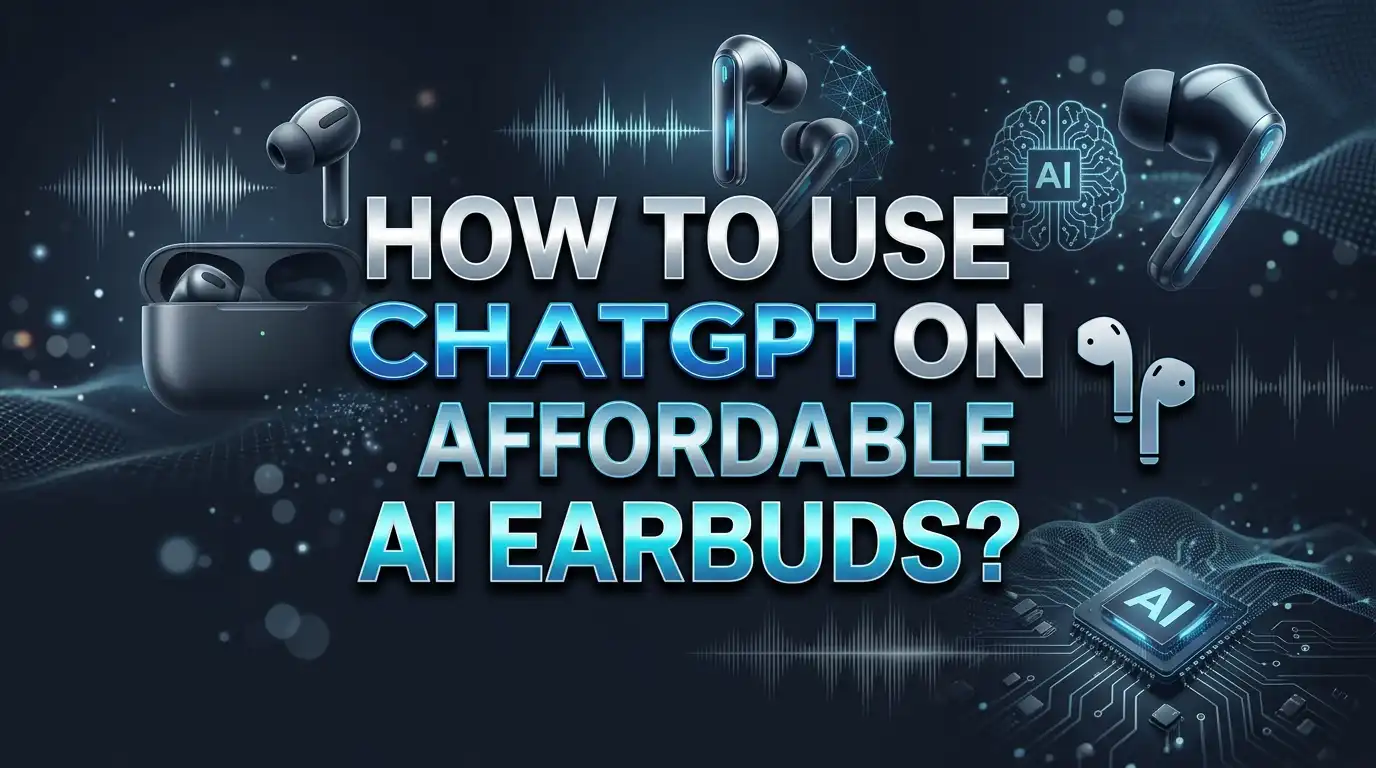
How to Use ChatGPT on Affordable AI Earbuds?
Imagine asking your earbuds a question and getting a smart answer instantly. That is exactly what ChatGPT powered earbuds offer today. You do not need expensive gadgets to enjoy this technology.
Affordable AI earbuds now bring ChatGPT right into your ears. They let you ask questions, translate languages, and get real time feedback. All this happens through simple voice commands.
This guide will show you exactly how to use ChatGPT on your budget friendly earbuds. We will cover pairing your earbuds with your phone. You will also learn how to connect your ChatGPT account properly.
By the end of this article, you will confidently use ChatGPT on your affordable earbuds. You will get accurate answers and smooth conversations every time. Let us start this simple journey together.
In a Nutshell
- Pair your earbuds first. Take them out of the case and turn on Bluetooth on your phone. Connect to your earbuds from the settings menu.
- Link your ChatGPT account. This step unlocks full features like voice Q&A, translation, and live feedback. Without it, your earbuds will not respond to AI prompts.
- Speak clearly and slowly. ChatGPT understands simple language best. Avoid slang or complex phrases when you talk to it.
- Ask one question at a time. This helps the AI give you a correct and complete answer. Skipping this step often causes confusion.
- Wait for the full response. Do not interrupt or reload too soon. Patience makes the whole experience smoother.
- Double check important facts. ChatGPT is helpful but not always perfect. Always verify numbers or critical details on your own.
What Are ChatGPT-Enabled AI Earbuds?
ChatGPT enabled AI earbuds are wireless devices that connect voice powered artificial intelligence directly to your ears. These earbuds use Bluetooth technology to pair with your smartphone and access ChatGPT services through a wireless connection.
Here’s what makes them work: Your earbuds receive voice commands through a built in microphone. The audio travels to ChatGPT servers through your phone’s internet connection. The AI processes your question and sends back a spoken response through the earbud speakers.
These devices handle several practical tasks. You can ask questions and get instant answers. They translate languages in real time. They summarize articles or documents you mention. They provide writing feedback and brainstorming help.
The setup is straightforward. Remove your earbuds from the charging case. Enable Bluetooth on your smartphone. Search for your earbud model in your phone’s Bluetooth settings and select it to pair. Open your ChatGPT account and connect it through the earbud’s companion app or settings menu.
Once connected, you simply speak to activate the AI. The earbuds listen for your voice and send your question to ChatGPT. The response comes back as spoken audio through the earbuds.
Important things to know: These earbuds need an active internet connection to function. Your phone acts as the bridge between the earbuds and ChatGPT servers. Battery life varies depending on usage and earbud model. The AI works best with clear, simple questions asked one at a time.
Affordable versions offer the same core features as premium models. They provide reliable voice interaction without expensive features you might not need. This makes ChatGPT accessible to more people who want AI assistance on the go.
Step-by-Step: Pairing Your Earbuds via Bluetooth
Pairing your earbuds via Bluetooth is the first step to using ChatGPT. This process takes just a few minutes and requires only your phone and earbuds.
Start by removing your earbuds from the charging case. Most earbuds enter pairing mode automatically when you take them out. Look for a LED light that flashes or changes color. This signal tells you the device is ready to connect.
Next, open your phone’s Bluetooth settings. On most phones, you find this in the main settings menu. Tap “Bluetooth” and turn it on. Your phone will search for nearby devices within seconds.
Look for your earbud model name in the list of available devices. The name usually appears as a brand and model number. Tap on it to start the connection process.
Your phone may ask for a confirmation code. Some earbuds use simple codes like “0000” or “1234.” Enter this code if prompted. The pairing should complete within 10 seconds.
Once paired, your earbuds stay connected to your phone. You won’t need to repeat this step every time you use them. However, if you pair them with a different phone, you may need to unpair them first from your original device.
Test the connection by playing audio. You should hear sound through your earbuds clearly. If you don’t hear anything, check that your phone’s volume is turned up and that your earbuds are fully charged.
After successful Bluetooth pairing, you’re ready to connect your ChatGPT account. This connection unlocks all the voice features you need. Your earbuds now have the foundation to work with ChatGPT smoothly.
Connecting Your Earbuds to a ChatGPT Account
Connecting your ChatGPT account to your AI earbuds unlocks voice-powered features. This process happens after you’ve paired your earbuds via Bluetooth to your smartphone.
Start by opening the ChatGPT app on your phone. Look for the account or settings menu. Most apps display this as a gear icon or profile picture in the top corner.
Tap on “Account” or “Sign In” options. Enter your ChatGPT login credentials if you don’t already have an account active on your phone. You’ll need a valid email address and password.
Next, find the “Connected Devices” section. This area shows which devices can access your ChatGPT account. Select the option to add or connect a new device.
Choose your earbud model from the available list. Your phone will search for nearby Bluetooth devices. Select your earbuds when they appear on screen.
Confirm the connection request on both devices. Your phone may display a confirmation code. Your earbuds might also show a light indicator or play a sound to confirm successful pairing.
Test the voice feature immediately. Ask a simple question like “What time is it?” or “Tell me a joke.” Speak clearly and wait for the complete response.
Verify your microphone settings. Check that your phone’s microphone permissions allow the ChatGPT app to access audio input. Go to your phone’s settings and find app permissions.
Keep your account information secure. Never share your login details with others. If you use shared earbuds, log out when finished.
Your connection is now active. You can start using voice commands right away.
How to Ask ChatGPT Questions Through Your Earbuds
Asking ChatGPT questions through your earbuds works through voice commands. Once your earbuds are paired and connected to your ChatGPT account, you’re ready to start.
To begin, simply say your wake word or tap the earbud button to activate the microphone. Speak your question clearly and at a normal pace. Avoid rushing your words or mumbling. The AI picks up on clear speech better than unclear audio.
Use straightforward language when asking questions. Skip slang, technical jargon, or overly complex phrases. For example, say “What is the capital of France?” instead of “Could you perhaps enlighten me regarding the primary city of that European nation?” Simple questions get better results.
Ask one question at a time. Asking multiple questions together confuses the AI and produces unclear responses. Wait for the complete answer before asking your next question. Don’t interrupt or reload the app while the AI is still speaking.
Your earbuds will play the response through the speaker. Listen carefully to the full answer. If you need clarification, ask a follow-up question using the same clear speaking method.
Common tasks work well through earbuds. You can ask for definitions, get summaries of topics, request translations, or ask for explanations. Real-time feedback happens instantly, which makes earbuds useful while you’re on the move.
Always verify important facts independently. AI responses can sometimes contain errors, especially with numbers or recent events. Don’t assume every answer is 100% accurate. Cross-check critical information using other sources.
Practice makes voice interaction smoother. The more you use your earbuds, the better you’ll understand the best way to phrase questions for your specific needs.
Exploring Key Features: Translation, Summaries, and Feedback
AI earbuds with ChatGPT access offer three powerful features that change how you work and communicate. Let’s explore what each one does and how to use them effectively.
Translation capabilities let you speak in your native language and hear responses in another language instantly. This works great for travelers, international business calls, and learning new languages. Simply ask your earbud to translate a phrase or sentence. Speak clearly and pause between words. The AI processes your audio and delivers the translated text through your earbud speaker. Remember that technical terms or slang may not translate perfectly, so verify important translations independently.
Summaries help you digest long articles, emails, or documents quickly. You can ask your earbud to summarize news stories, meeting notes, or research papers. The AI pulls out key points and delivers them in a shorter format. This saves time when you’re busy or multitasking. For best results, provide clear context about what you want summarized. Say something like “Summarize the main points from this document” rather than vague requests.
Feedback features let you get real time suggestions on your writing, ideas, or presentations. Ask the AI to review your draft email, suggest improvements to your speech, or provide constructive criticism on your concept. The earbuds deliver feedback through voice, making it easy to listen while you work on something else. This helps you refine your work without stopping to read a screen.
All three features work best when you speak slowly and ask one request at a time. Wait for the complete response before asking your next question. This prevents confusion and ensures accurate results. Practice these features regularly to get comfortable with voice interaction.
Best Practices for Clear Voice Communication
Clear voice communication makes the difference between smooth interactions and frustrating misunderstandings with your AI earbuds. Your earbuds rely on accurate speech recognition, so how you speak directly affects the quality of responses you receive.
Speak at a natural, moderate pace. Rushing your words causes the microphone to miss syllables or jumble sounds together. Slow down slightly more than you normally would in conversation. This gives the earbud’s microphone time to capture each word clearly. Pause between phrases to help the device process your speech accurately.
Use simple, direct language. Avoid slang, abbreviations, or overly complex vocabulary. Instead of asking “Can you elucidate the ramifications of quantum computing?” try “What does quantum computing do?” Simple words get recognized faster and more accurately by voice systems.
Position the microphone correctly. Most earbuds have a microphone on one side. Check your manual to identify which earbud picks up your voice. Speak toward that microphone, not away from it. Keep your mouth about six inches from the device for best results.
Minimize background noise. Loud environments make voice recognition harder. Move to a quieter space when possible. If you’re in a noisy area, speak a bit louder and more deliberately without shouting.
Wait for complete responses. Don’t interrupt or reload before ChatGPT finishes answering. Interrupting causes the system to stop processing mid-response. Let the full answer play through before asking your next question.
Test your setup first. Ask simple questions like “What time is it?” before moving to complex requests. This helps you find the right speaking distance and pace for your specific earbuds.
Common Mistakes and How to Avoid Them
Using AI earbuds with ChatGPT feels easy once you know what to avoid. Most users make simple mistakes that slow down their experience or lead to wrong answers.
Interrupting responses is the biggest error. Many people tap the button again or reload the app before ChatGPT finishes speaking. Your earbuds need time to process and deliver the full answer. Wait until you hear silence or a completion tone before asking your next question.
Mumbling or speaking too fast causes the microphone to miss words. The earbud’s microphone picks up sound from a short distance. Speak at a natural, comfortable pace. Imagine you are talking to someone across a quiet room, not shouting or rushing.
Asking multiple questions at once confuses the AI. Say “What is the capital of France and how far is it from London?” and you might get incomplete answers. Instead, ask “What is the capital of France?” first. Then follow up with your next question.
Not verifying facts is risky. ChatGPT can sound confident about incorrect information. Always check important numbers, dates, or facts using another source. This is especially true for medical, financial, or legal questions.
Using slang or complex phrases reduces accuracy. Stick to clear, simple words. Say “translate this to Spanish” instead of “can you render this in Spanish for me?”
Ignoring background noise creates problems. Loud environments make voice recognition harder. Move to a quieter space if possible, or speak a bit louder and more clearly.
These small adjustments transform your earbud experience from frustrating to smooth and reliable.
Troubleshooting Connection and Response Issues
Connection issues happen when your earbuds and phone don’t communicate properly. Start by checking your Bluetooth connection. Go to your phone’s settings and confirm the earbuds appear in your paired devices list. If they don’t, remove them from the case and hold the pairing button until you see a light indicator. Then search for them in your phone’s Bluetooth menu again.
Response delays are common when your internet connection is weak. Move closer to your WiFi router or switch to a stronger network. If ChatGPT takes longer than usual to answer, wait at least 10 seconds before trying again. Reloading too quickly can interrupt the process.
Audio cutting out mid response usually means the Bluetooth range is too far. Keep your phone within 30 feet of the earbuds. Remove any physical barriers like walls or metal objects between your phone and earbuds.
If responses sound garbled or incomplete, try these steps. First, restart both your earbuds and phone. Second, forget the device from your Bluetooth settings and re pair it fresh. Third, check that your ChatGPT account is properly connected to the earbud app.
Background noise interferes with both voice recognition and audio clarity. Move to a quieter space if possible. If you’re in a loud environment, speak slightly louder and more deliberately.
Verify your app is updated. Outdated versions often cause connection problems. Check your app store for pending updates. If issues persist after these steps, try reinstalling the app completely. This solves most software related glitches that prevent smooth ChatGPT interactions through your earbuds.
Final Thoughts
Affordable AI earbuds bring ChatGPT right into your daily routine. You get quick answers, translations, and helpful feedback without pulling out your phone. This makes them a smart tool for busy days.
Getting started is simple. Pair your earbuds through Bluetooth, connect your ChatGPT account, and start talking. The setup takes only a few minutes.
Success depends on how you use them. Speak clearly and wait for full responses. Ask one question at a time. These small habits make a big difference in accuracy.
Remember that AI is not perfect. Always double check facts, numbers, and details that matter. Treat ChatGPT as a helpful assistant, not a final authority.
Patience matters more than people expect. Rushing the process or interrupting responses often causes confusion. Give your earbuds and the AI enough time to work properly.
Good habits lead to smoother experiences. Clear speech, simple language, and stable Bluetooth connections all support better results. Small adjustments often solve most common problems.
Affordable earbuds prove that useful technology does not need a high price. With the right approach, they handle real tasks like translation, quick research, and daily reminders. This makes them practical for many users.
As you get comfortable, you will notice faster and more natural interactions. Your voice commands become smoother, and you learn what works best for your device.
In the end, using ChatGPT on affordable AI earbuds comes down to good habits. Speak clearly, stay patient, and verify important details. These simple steps help you get the most value from your earbuds every day.
Frequently Asked Questions
Can I use ChatGPT on any affordable AI earbud?
Most affordable AI earbuds support ChatGPT if they have Bluetooth and internet connectivity. Check your earbud’s app or manual to confirm ChatGPT integration. Some earbuds work with ChatGPT through your phone’s connection, while others may require a direct account link.
The key is ensuring your earbuds connect to your smartphone via Bluetooth. Your phone then communicates with ChatGPT’s servers. Not all budget earbuds offer this feature, so verify before purchasing.
How do I set up ChatGPT on my earbuds?
Start by removing your earbuds from the charging case. Turn on Bluetooth in your phone’s settings and pair the earbuds with your device.
Next, open the earbud’s companion app. Look for a ChatGPT or AI assistant option. Sign in with your ChatGPT account credentials. Once connected, you can activate ChatGPT by pressing the earbud button and speaking your question.
Why does ChatGPT sometimes not understand me?
Speaking clearly and slowly helps the microphone capture your words accurately. Mumbling or rushing causes recognition errors. Use simple, everyday language instead of slang or technical jargon.
Ask one question at a time. Multiple questions confuse the AI. For example, say “What is the capital of France?” instead of “What is the capital of France and how far is it from London?”
Background noise also interferes with voice recognition. Find a quieter space when possible.
Should I trust all of ChatGPT’s answers?
No. ChatGPT can sound confident even when providing incorrect information. Always verify important facts independently, especially numbers, dates, or medical advice.
Use ChatGPT for quick information, brainstorming, or general knowledge. Cross check critical details with reliable sources before acting on them.

Hi, I’m Simmy — the founder and voice behind AI Gadgets Insight. I’m a tech enthusiast who loves exploring the latest AI gadgets, smart devices, and innovative tech products. I started this blog to help people make smarter tech choices with honest reviews, easy-to-follow comparisons, and practical buying guides.